Preface
You have chosen rhinoCapture and we thank you for it.
rhinoCapture brings to Rhinoceros the tools of photogrammetric stereo plotting: drawing primitives, roof and dormer templates, openings, azimuth, guidelines, snaps, editing, measurements, background images and Shapefile exchange.
All these commands rely on a 3D cursor, that is, a cursor located along the three components X, Y and Z : it is the cursor that gives captured points their elevation.
This 3D cursor and the stereoscopic display of stereo pairs can be provided in two ways, and this is what distinguishes the three editions of rhinoCapture :
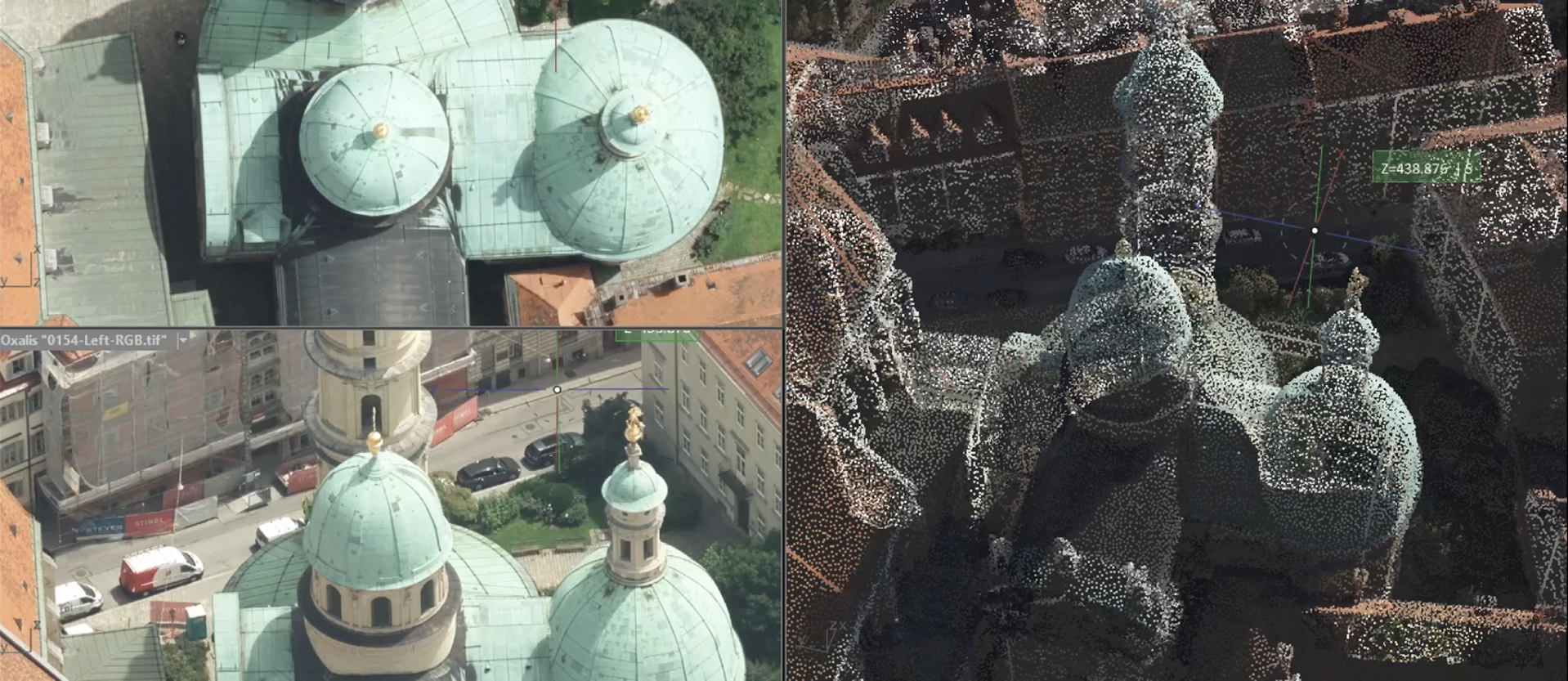
- rhinoCapture STEREO: the stereoscopic display and the 3D cursor are provided by Oxalis, directly in Rhinoceros. You have a complete photogrammetric workstation in a single environment, with vertical (nadir) or oblique stereo pairs. The 3D cursor of Oxalis can automatically follow a line or surface it hovers over, adapting its elevation to the object below, and pairs with the pointing device of your choice — 3D mouse (Stealth, TopoMouse, 3Dconnexion), pen tablet (Wacom), gamepad (Microsoft), or your standard mouse;
rhinoCapture for PMS3D and rhinoCapture for SummitEvolution: the stereoscopic display and the 3D cursor are those of your stereo plotting workstation, to which rhinoCapture connects. You point in the workstation; objects are created in Rhinoceros, and the two programs stay synchronized.
The three editions share the same stereo plotting commands, the same “Templates” panel and the same settings file. They are all installed by the rhinoCapture installer; the chapter “Choosing your edition” explains how to activate the one that matches your workstation, and how to switch from one to another — for example to try Oxalis when you usually work with SummitEvolution.
In Rhinoceros, rhinoCapture commands are recognizable by the prefix Capture. The STEREO edition adds the Oxalis commands, prefixed Oxalis_, which manage the stereo view, the 3D cursor and the pointing devices. These prefixes are technical identifiers, kept for compatibility of aliases, macros and configuration files.