CaptureRoofPolyPlanes
| Command Name | Icon | Menu Path |
|---|---|---|
| CaptureRoofPolyPlanes | RhinoCapture > Roofs > Poly-planes “Templates” panel : Roofs > Poly planes |

Captures a roof with 2, 3 or 4 planes from 5 points. To end the capture sequence, press [Enter].
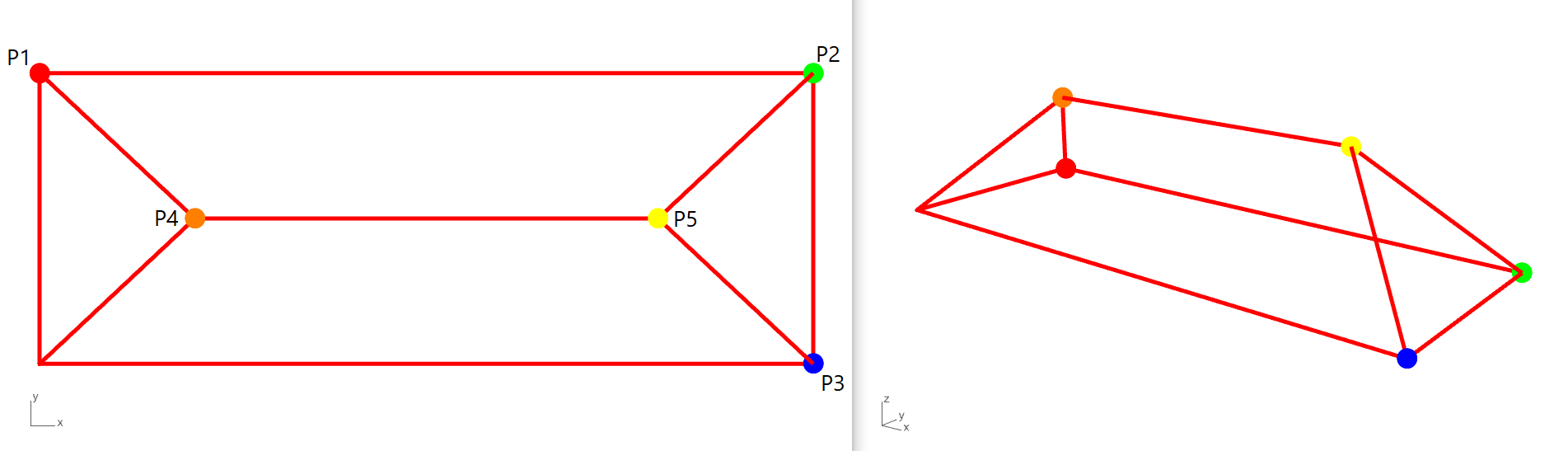
Once the first two points are captured, a rectangle is drawn dynamically according to the position of the 3rd point. Once the rectangle is validated, capture the 4th point on the ridge. The 5th point is automatically constrained to the same elevation as the 4th and can only move along a vector parallel to one side of the rectangle.
The polygons created depend on the position of the projections of the 4th and 5th points in the plane of the rectangle:
- if both points are outside the rectangle, you get 2 trapezoids;
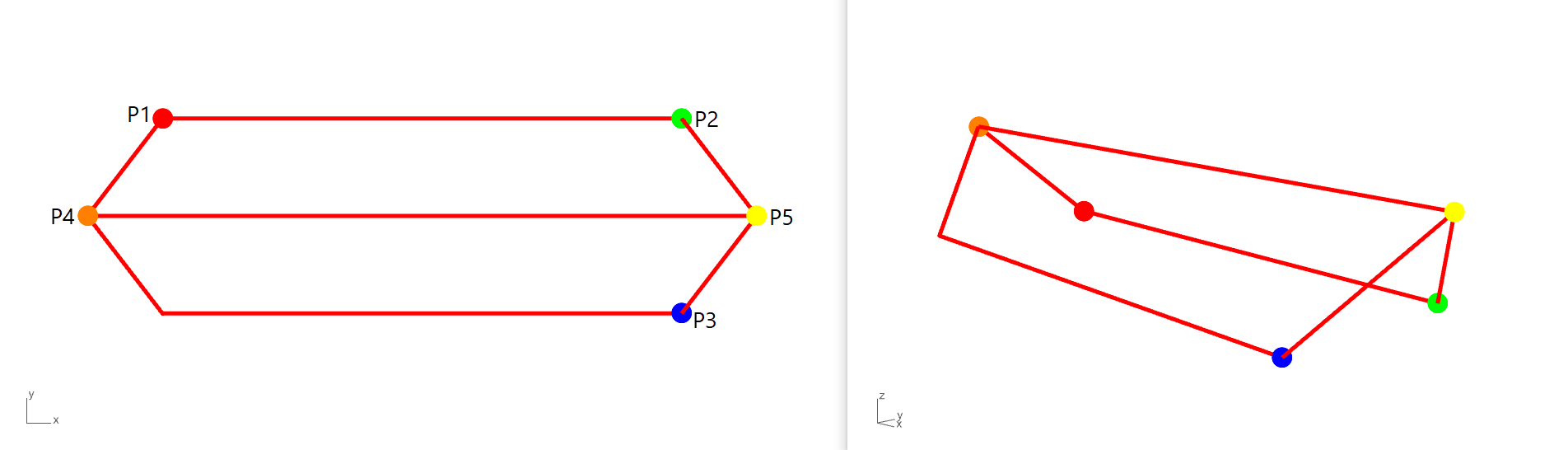
- if one point is inside and the other outside, you get 2 trapezoids and 1 triangle;
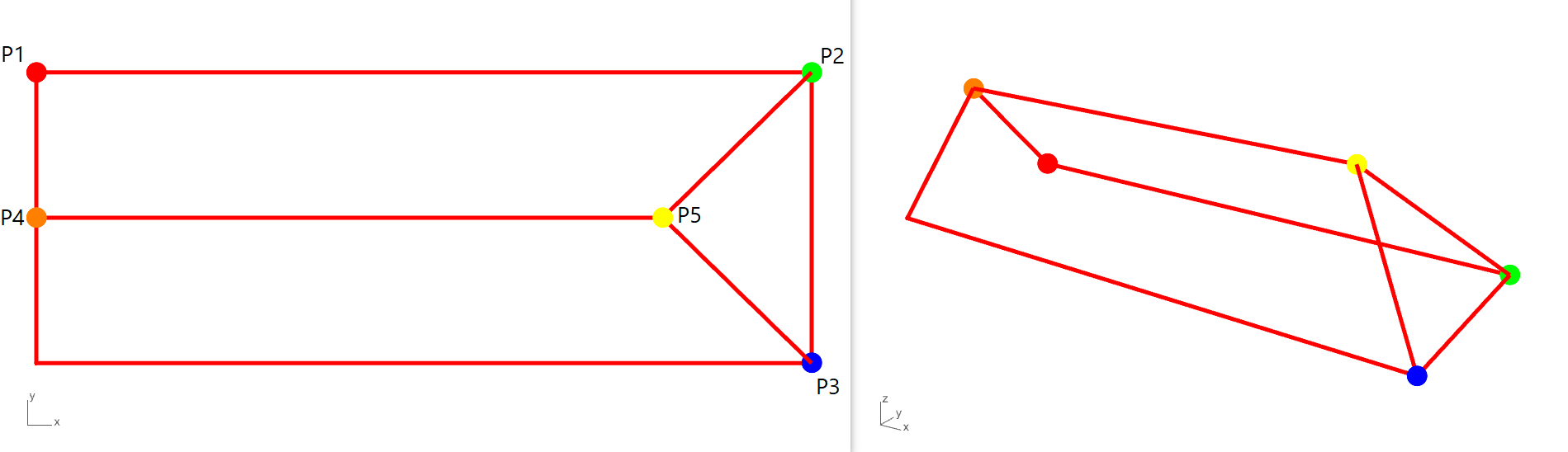
- if both points are inside, you get 2 trapezoids and 2 triangles.