
CaptureDrawExtrusion
| Command Name | Icon | Menu Path |
|---|---|---|
| CaptureDrawExtrusion | RhinoCapture > Draw > Extrusion “Templates” panel : Draw > Extrusion |

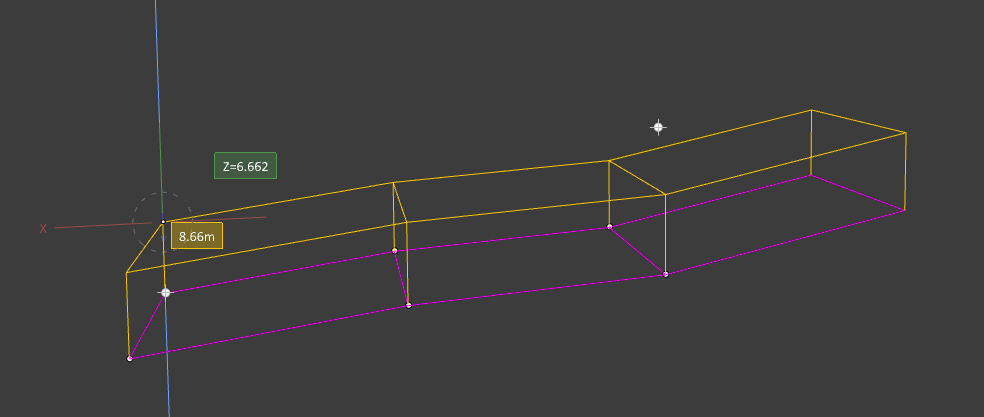
Extrudes one or more closed curves into solids, the height being set with the 3D cursor or typed on the keyboard. Each curve produces a closed mesh; the solids can be merged into a single mesh.
- Select one or more closed curves, or press [Enter] to select them all. Confirm the selection with [Enter].
- Position the 3D cursor at the desired height and click, or type the height. The value in angle brackets <…> recalls the last height used; [Enter] reuses it.
MaillageUnion
No : each curve gives a separate mesh. Yes: the solids are merged into a single mesh.