
The PMS3D dialogs
In the PMS3D edition, three commands open dialogs of the station from Rhinoceros, without having to switch to its window. RhinoCapture only displays them: their content and use are covered by the PMS3D documentation.
{{@433}} {{@434}} {{@435}}Reading the icons
The icons of rhinoCapture follow a common grammar:
- one color per command family,
- a color code for the capture order,
- a dark badge for the variants of the same command
- a colored disc for a state (active, inactive for example).
Family colors
The hue of the icon indicates the family of the command. The Draw family varies its color according to the type of object produced.
Family
Hue
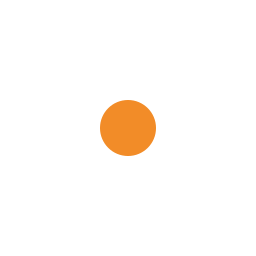
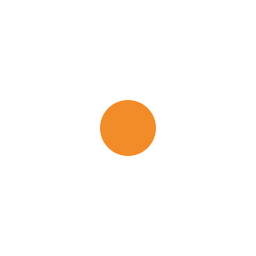
Draw — points
orange
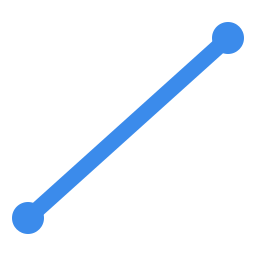
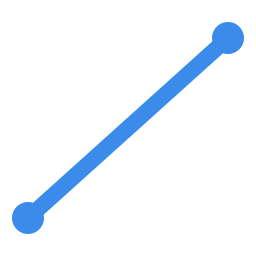
Draw — lines
blue
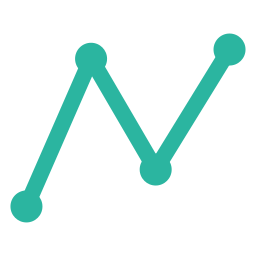
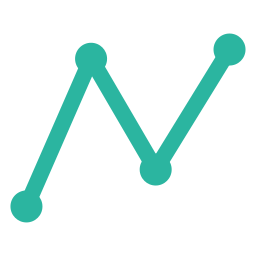
Draw — polylines
turquoise
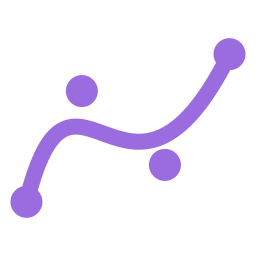
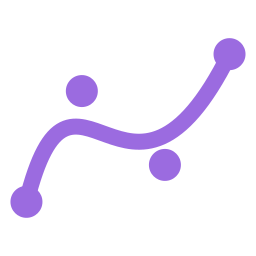
Draw — NURBS curves
violet
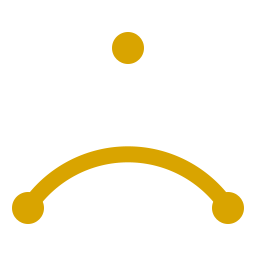
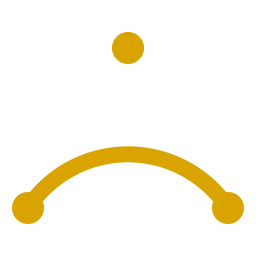
Draw — arcs, circles, ellipses
ocher
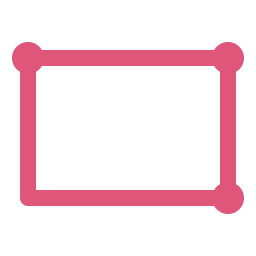
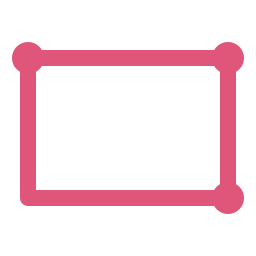
Draw — closed shapes
pink
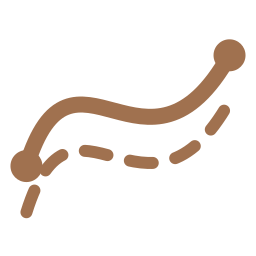
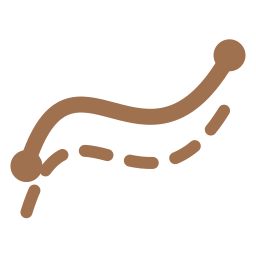
Draw — curve operations
brown
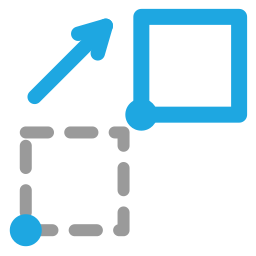
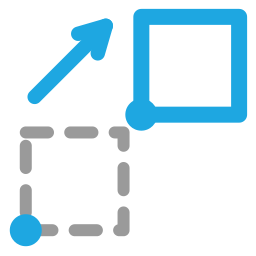
Edit and measure
cyan


Station, Import / Export, Settings, Miscellaneous
graphite
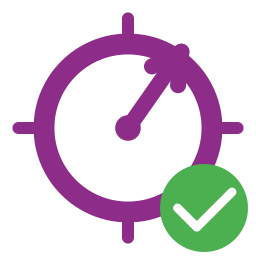
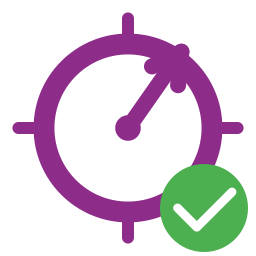
Azimuth
purple
Guide lines
raspberry


Snap
brick red or the color of the constraint: plane=teal, Z=violet


Background image
olive green


Openings
slate blue


Roofs and dormers
green
Capture order
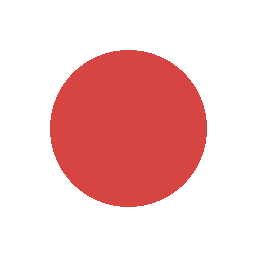
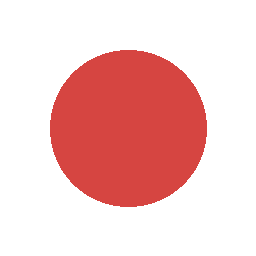
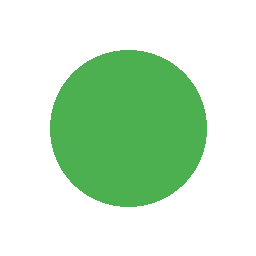
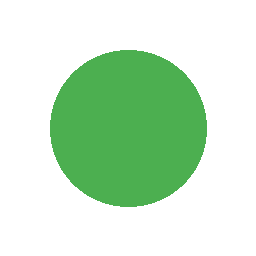
On the icons of the drawing and roof commands, each input requested from the user has the color of its rank. A rectangle, a polyline or a curve is shown by its outline in this color; a point by a disc with a white border, placed where the command expects it.
Rank | Example | ||
| 1st input — red |
| CaptureRoofGableFromEave : the base rectangle |
| 2nd input — green |
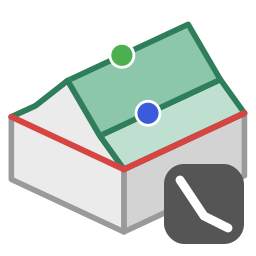
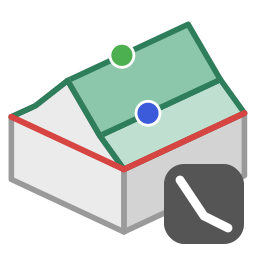
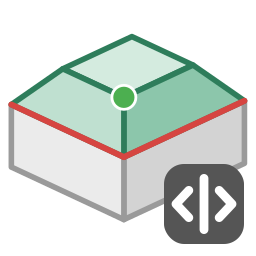
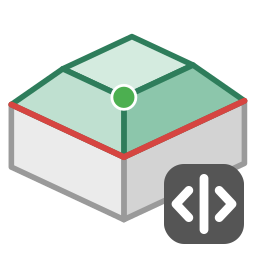
| CaptureRoofGableFromEaveBent : the first ridge point |
| 3rd input — blue |
| CaptureRoofStepped : the third thickness point |
| 4th input — orange |
| CaptureRoofPolyhedral : the clipped corner |








Variant badges
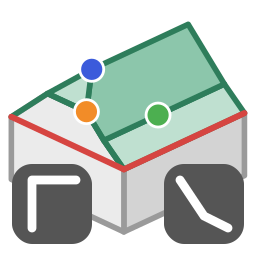
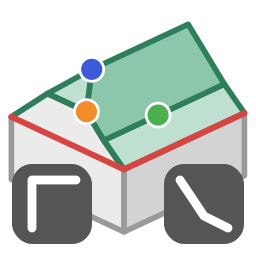
A dark badge at the bottom right indicates a variant of a base command; the object drawn is the same, only the glyph changes. Two badges can be combined (bottom right and bottom left).
Badge | Meaning | |
| Bellcast / bend | the roof plane changes slope: “Bent” roofs |
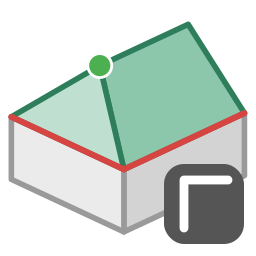
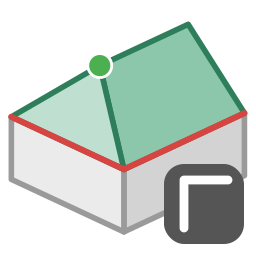
| A vertical plane (square) | “Mono” roofs: one side is a vertical gable |
| Symmetry | identical lower slopes (brisis) on all four sides |
| Two badges | bellcast and vertical plane combined |
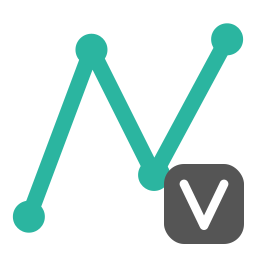
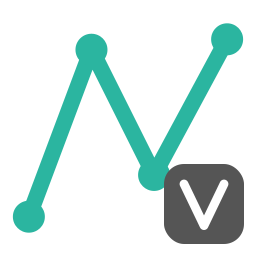
| V — Vertical | the object is drawn in a vertical plane |
| C — Closed | the polyline is closed |
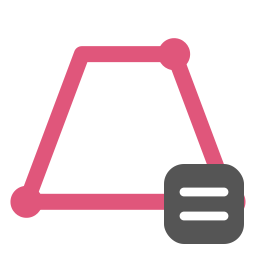
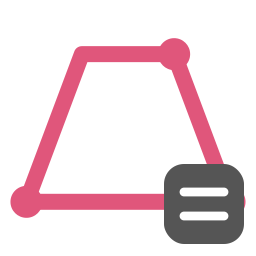
| = / ≠ | isosceles trapezoid or not |
| 1 — Once | the snap applies only to the next input |
| ∞ — Persistent | the snap remains active |
| ⇄ — Toggle | turns on or off depending on the current state |
| + / − | increases or decreases a setting |
| ± | sets the step of a setting |
| Eye / Crossed-out eye | shows or hides |
| List | displays the list of items |
| + — Create | creates a new item |










State discs
A solid colored disc at the bottom right indicates the state in which the command places the software.
Disc | Meaning | |
| Green, check mark | enabled, connected, active view |
| Red, cross | disabled, disconnected, unloaded, deleted |
| Down arrow | import, loading |
| Up arrow | export |


