
Adding a license to your McNeel account
…Sign in to your Rhino account: accounts.rhino3d.com
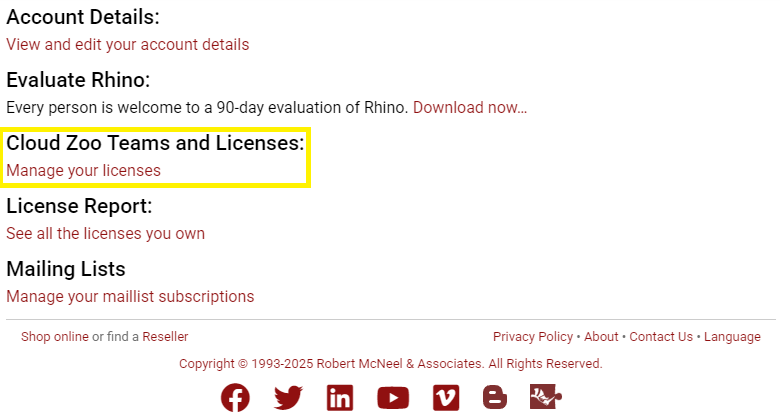
- Select “Cloud Zoo Teams and Licenses: Manage your licenses”
Depending on whether you want to use the license for yourself or for one of your teams, click “your name (me)” or one of the teams you have defined.
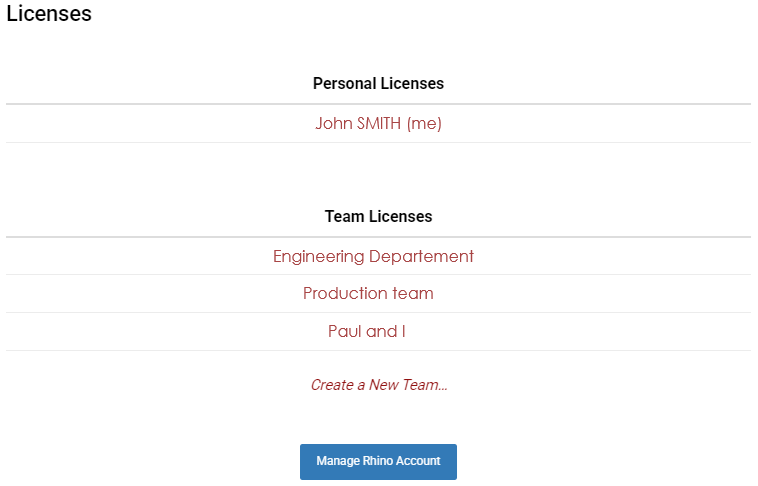
⚠️ If your license allows several simultaneous users (multi-seat), do not add it to an individual account. Assign it to a Team. This is what allows several users to share the available seats.
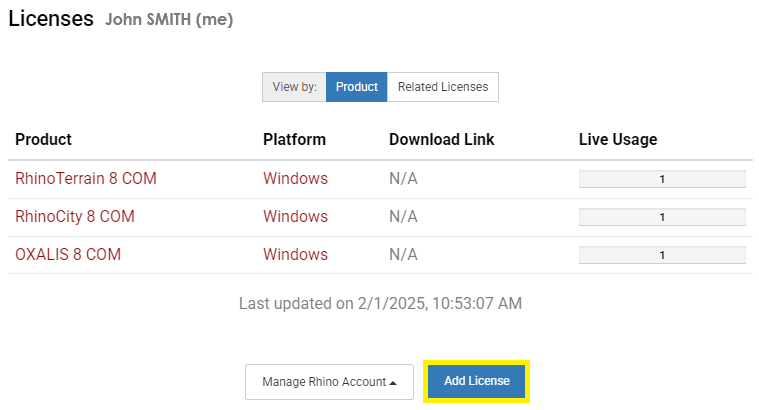
- Then click “Add a license”
- Enter the supplied rhinoCapture license number, then click “Add a license”
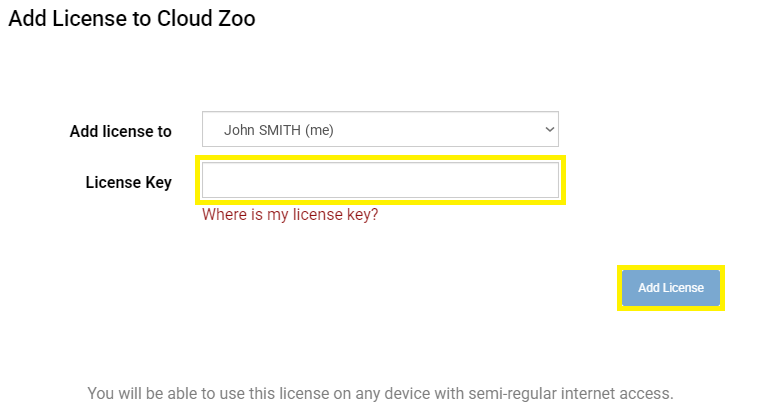
- Once this step is complete, you can install rhinoCapture on your computer. The next time Rhino starts, your license will be recognized by the McNeel Cloud Zoo.