CaptureRoofTerrace
| Command Name | Icon | Menu Path |
|---|---|---|
| CaptureRoofTerrace | RhinoCapture > Roofs > Terrace “Templates” panel : Roofs > Terrace |


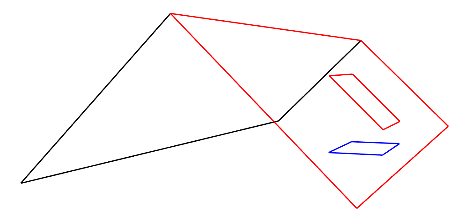
Cuts a terrace into a roof plane: a hole is created in the roof polygon and a “floor” polygon is created at a lower elevation (the terrace).
Capture takes 3 steps:
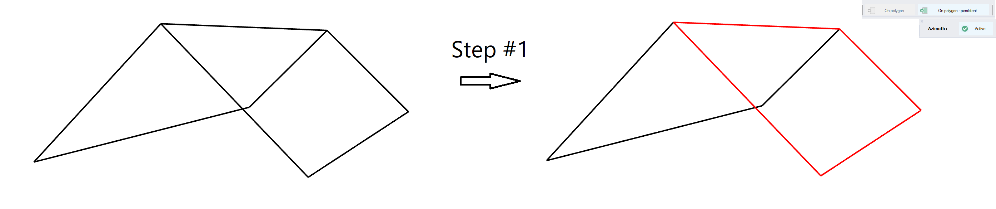
- Step 1: select the polygon in which to cut the terrace.
⚠️ Once the polygon is selected, the “on persistent polygon” snap (CaptureSnapOnPolygonPersistent) is enabled automatically, so the terrace rectangle is drawn in the plane of the roof plane.
- Step 2: define the terrace rectangle R1.
⚠️ The azimuth is enabled automatically after the polygon is selected, so rectangle R1 is defined by two points.
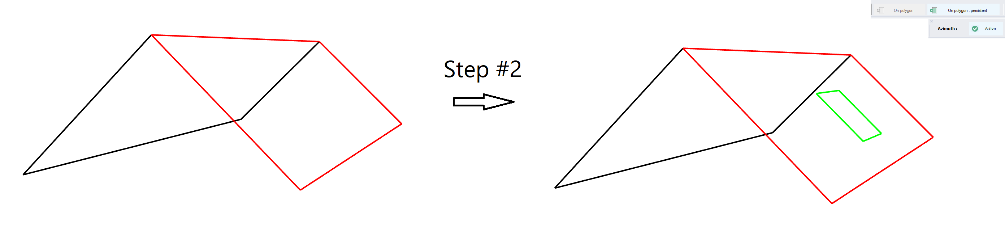
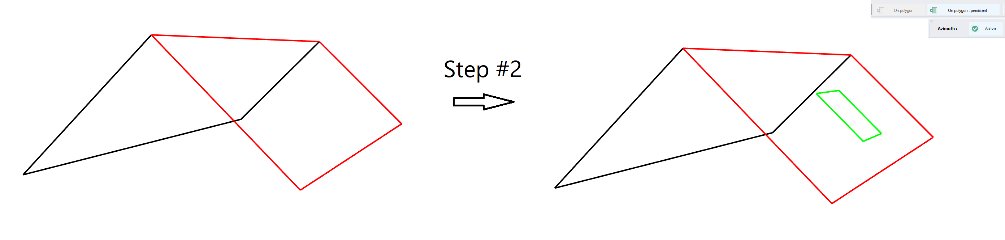
- Step 3: click the lowest point of the terrace: a rectangle is created automatically by vertical projection of R1 to the clicked elevation.
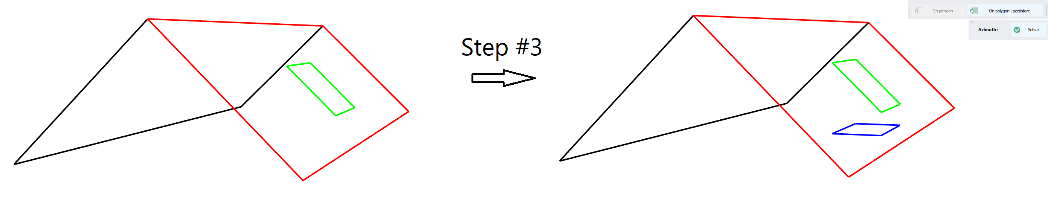
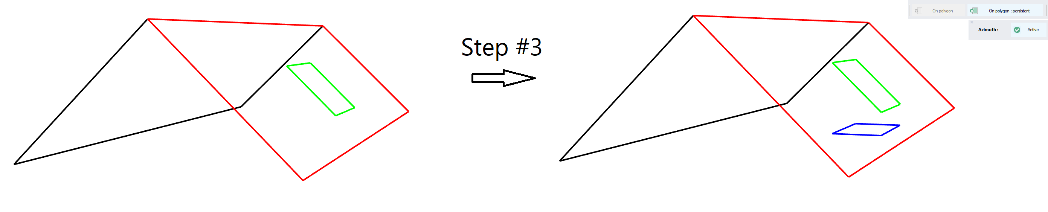
At the end of the command, the red rectangles in the image below form a single multipolygon, which produces the hole in the roof plane.