CaptureRoofMansardSymmetric
| Command Name | Icon | Menu Path |
|---|---|---|
| CaptureRoofMansardSymmetric | RhinoCapture > Roofs > Mansard > Symmetric “Templates” panel : Roofs > Flat Mansard symmetric roof |


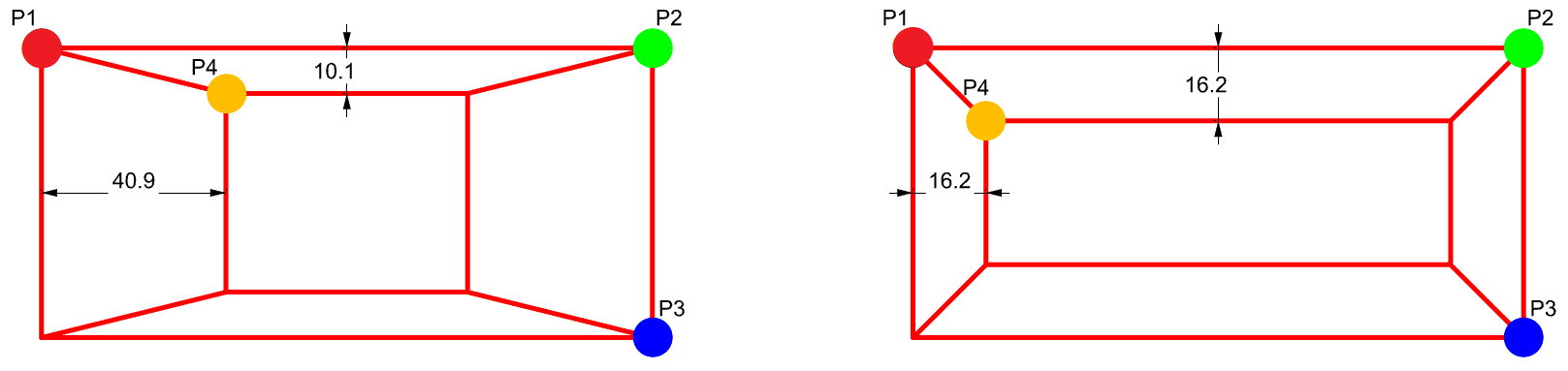
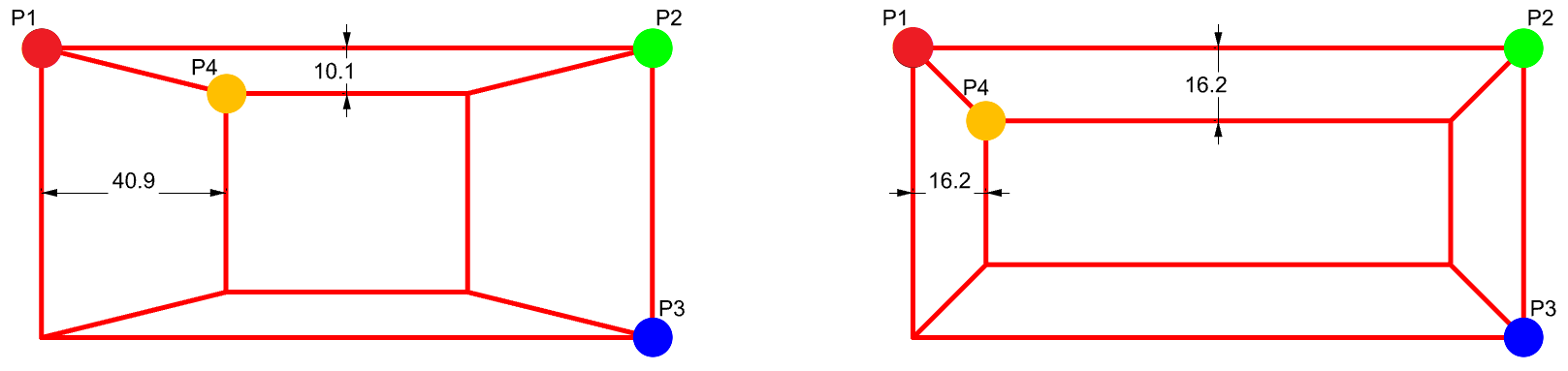
Draws a symmetric Mansard roof from a rectangle (eave) and a point on the break line.
Capture takes 3 steps:
- Step 1: define rectangle R1 (eave). As for a standard rectangle, it is defined by 2 or 3 points, depending on whether an azimuth is active.
- Step 2: click point P2 on the break line.
- Step 3: answer the question “Draw the upper slope rectangle?”, as for CaptureRoofMansard.
The difference from CaptureRoofMansard is that this command enforces the same distance between the eave and the break line all around the roof.