
CaptureRoofDomeByFootprintCurve
| Command Name | Icon | Menu Path |
|---|---|---|
| CaptureRoofDomeByFootprintCurve | RhinoCapture > Roofs > Dome > From footprint curve “Templates” panel : Roofs > Dome by footprint curve |

Draws a dome roof from a closed footprint curve and a point at the apex.
Input takes 2 steps:
- Step 1: select the closed curve representing the roof footprint.
- Step 2: click point P1 at the apex.
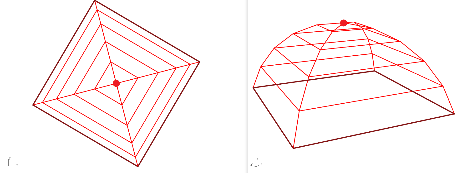
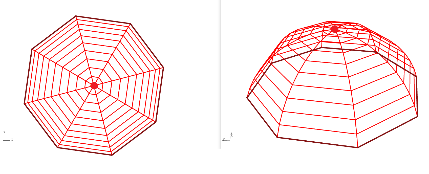
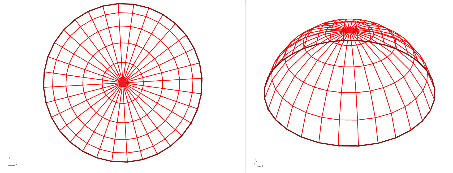
Footprint selection, apex input, result
The options are:
NbPointsOnArc
Number of polygons created between the footprint curve and the apex:
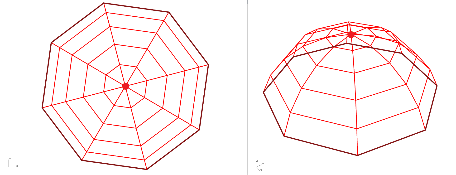
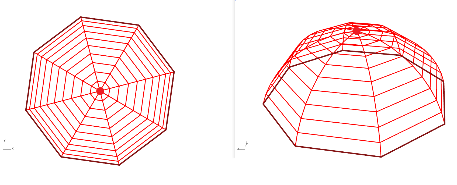
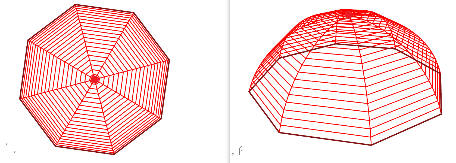
NbPointsOnArc = 5, 10 and 20