
CaptureRoofByEaveAndRidges
| Command Name | Icon | Menu Path |
|---|---|---|
| CaptureRoofByEaveAndRidges | RhinoCapture > Roofs > From eave and ridges “Templates” panel : Roofs > By eave and ridges |


Forms the planes of a roof from its footprint (a closed curve, the eave line) and one or more ridge lines drawn at their elevation.
Select the closed footprint curve.
Select one or more ridge lines.
Confirm with [Enter]: the roof planes are built between the ridge and the footprint.
Many roof shapes can be obtained with this command. Here are a few examples:
|
|
|
|
|
|
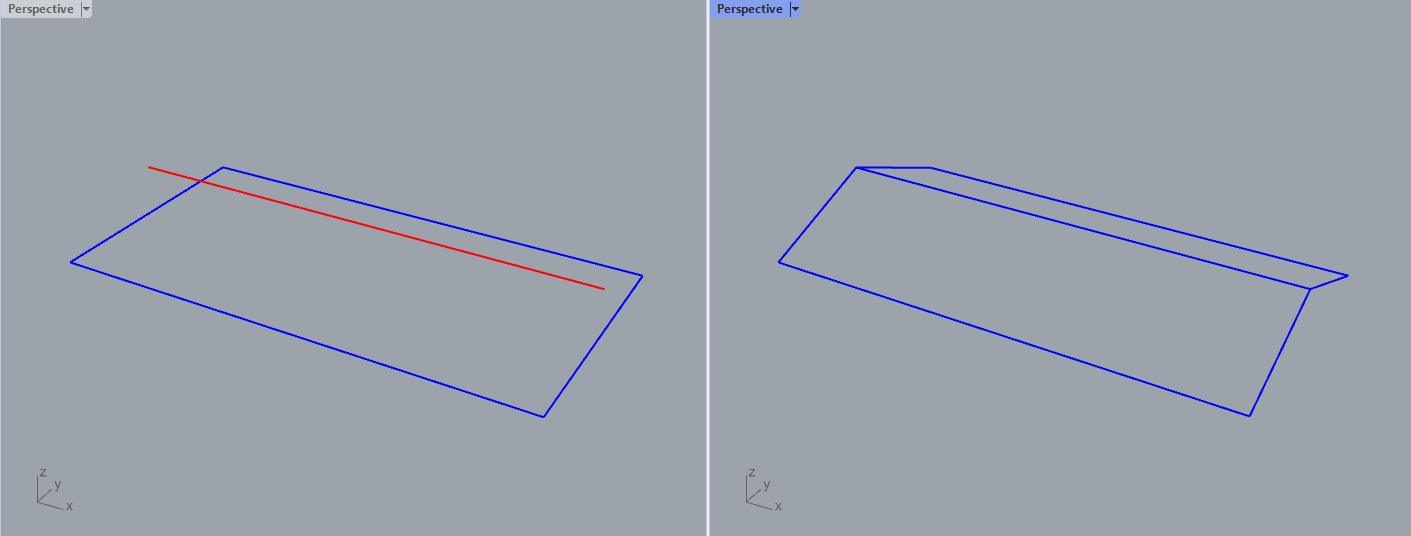
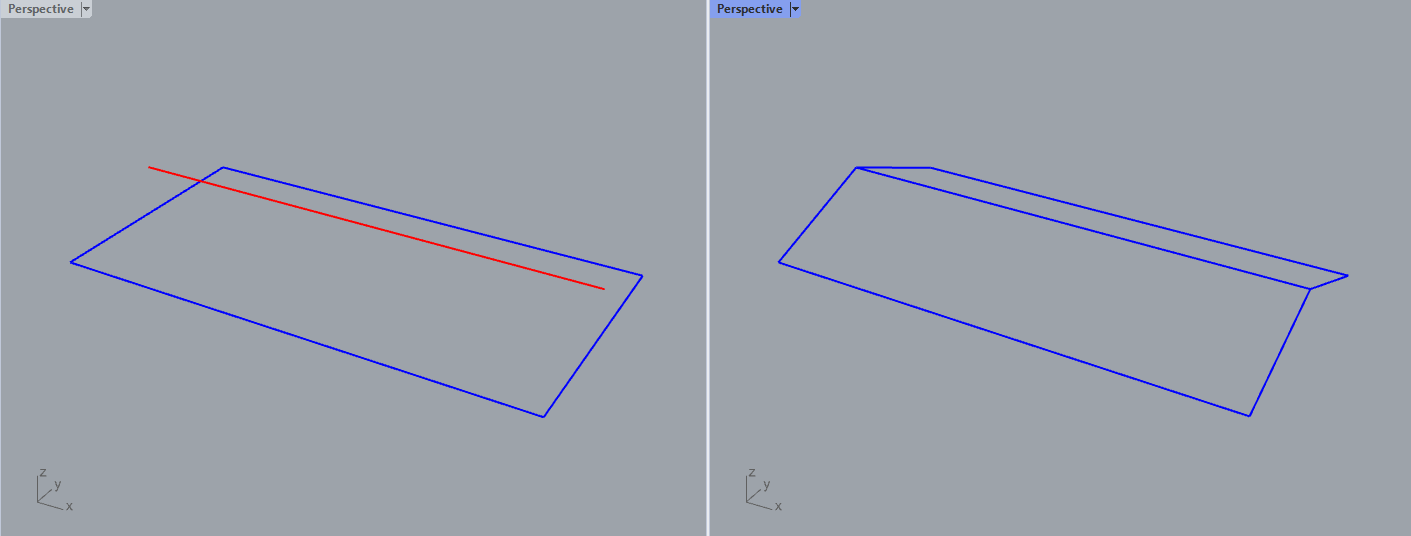
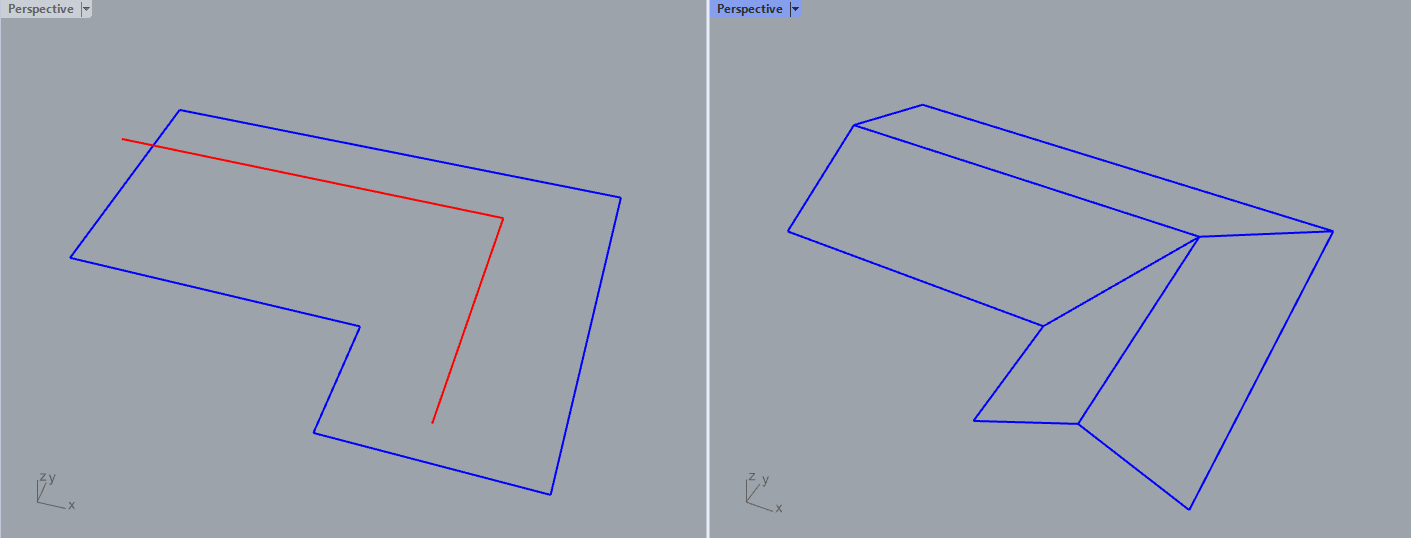
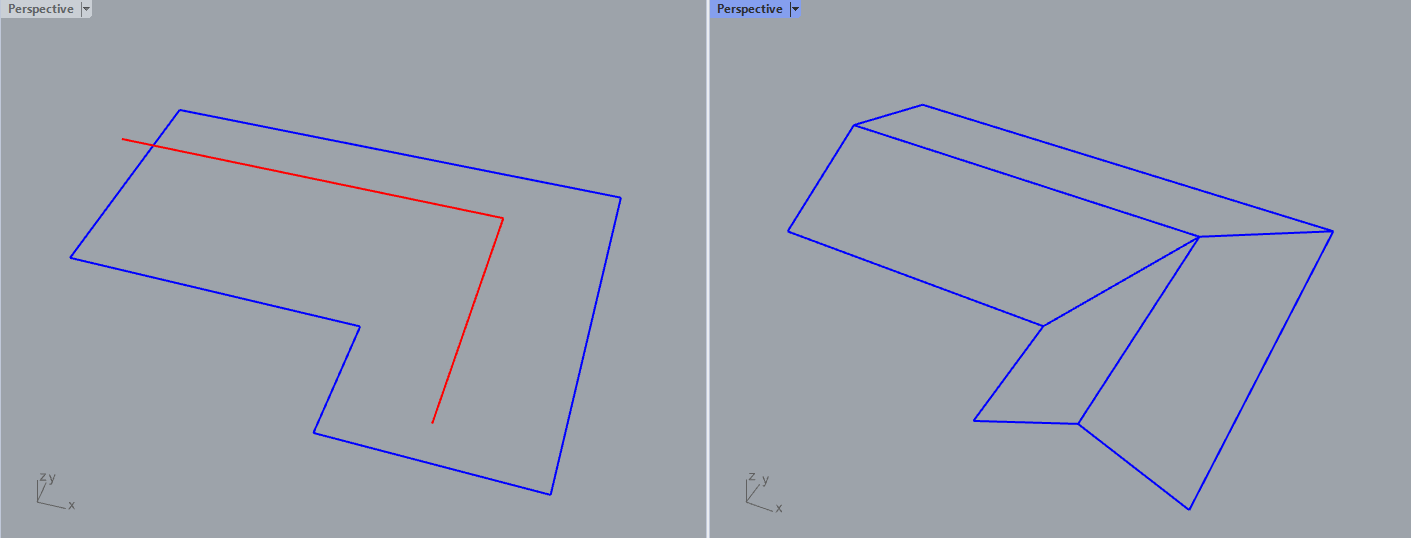
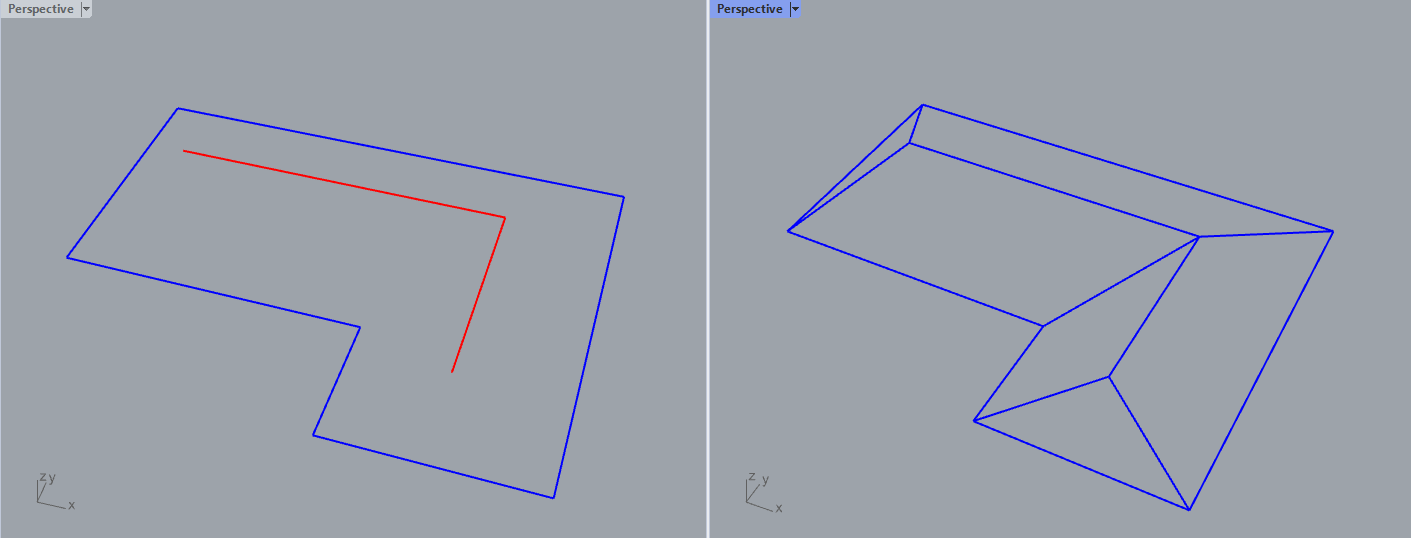
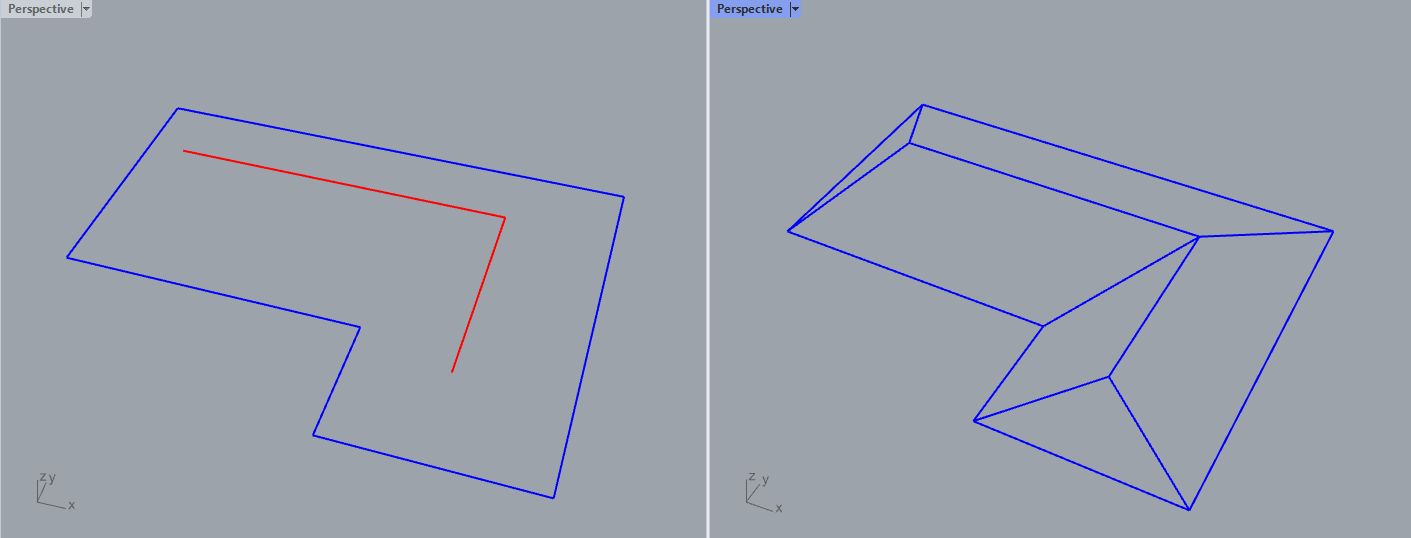
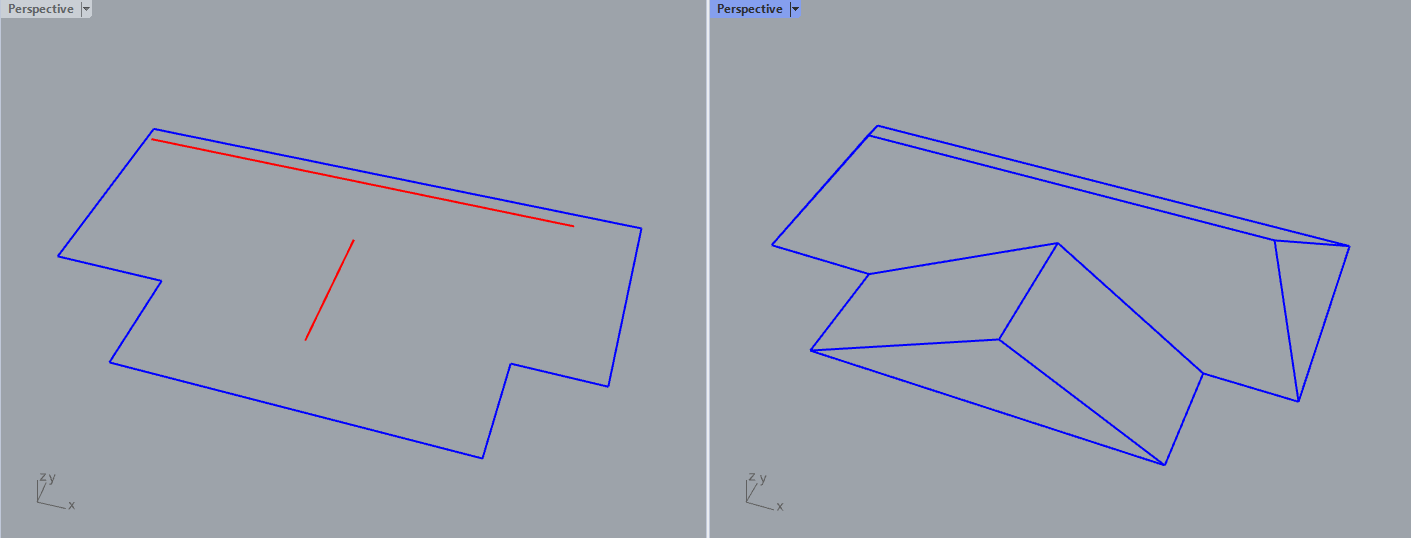
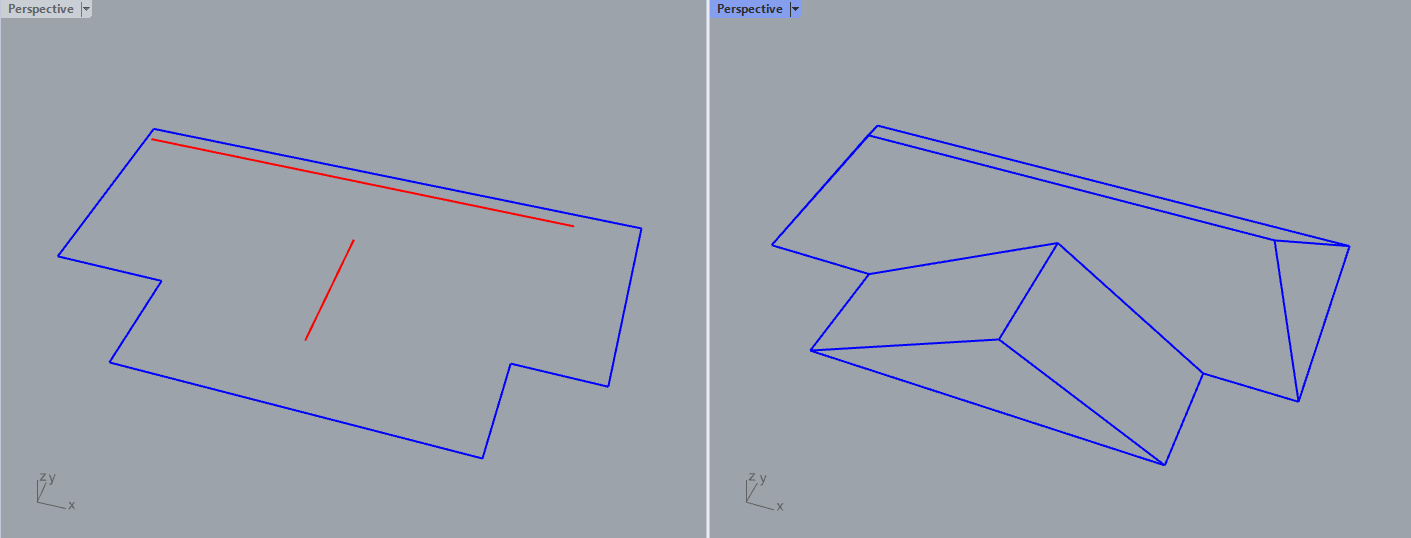
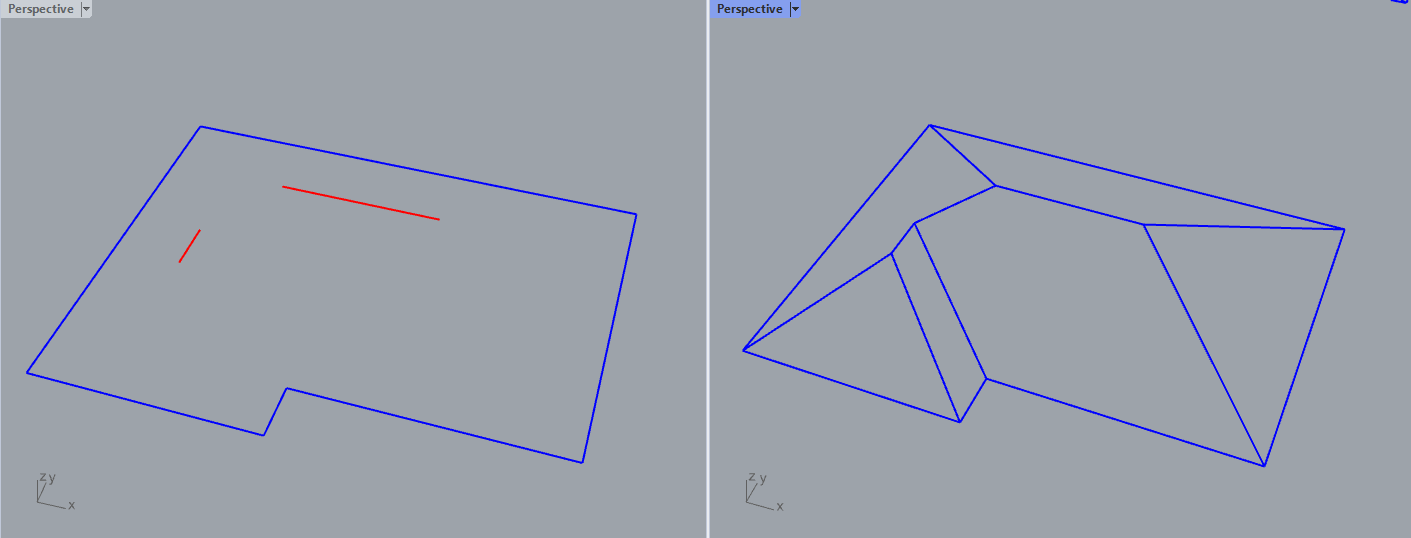
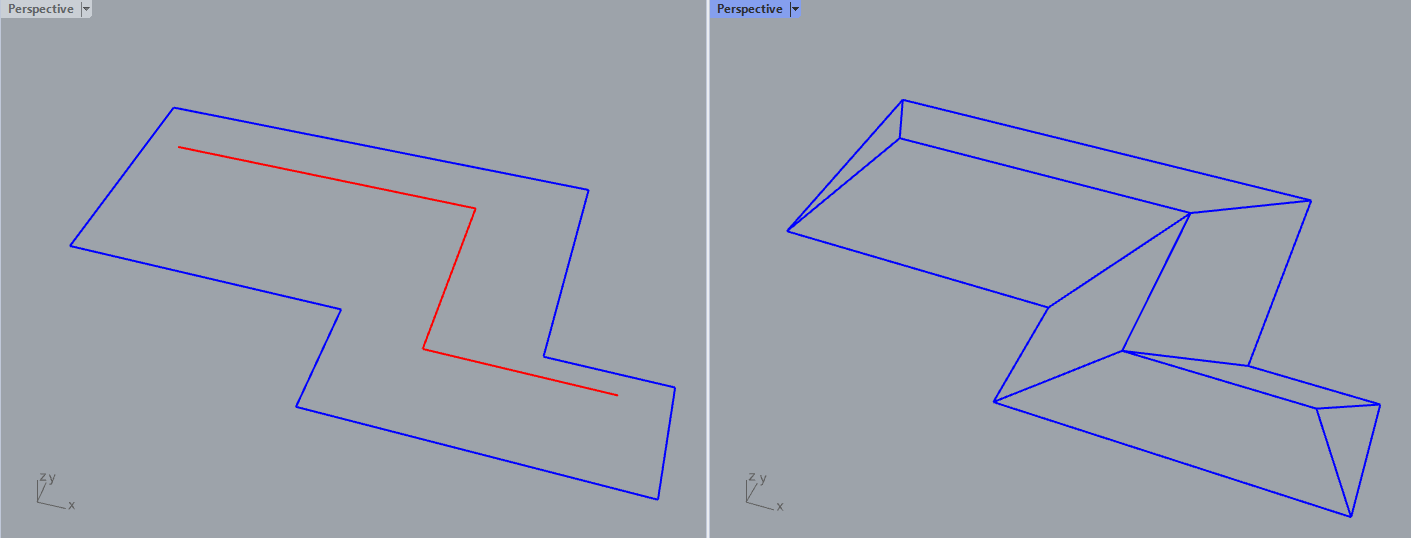
Examples of roofs obtained with CaptureRoofByEaveAndRidges