
CaptureDrawCurveToPolygon
| Command Name | Icon | Menu Path |
|---|---|---|
| CaptureDrawCurveToPolygon | RhinoCapture > Draw > Curves to polygons “Templates” panel : Draw > Curve to polygon |


Builds, from one or more curves, a strip whose width is defined by an offset: either its outline only, or one closed polygon per curve segment, with optional extrusion into a solid in the same step.
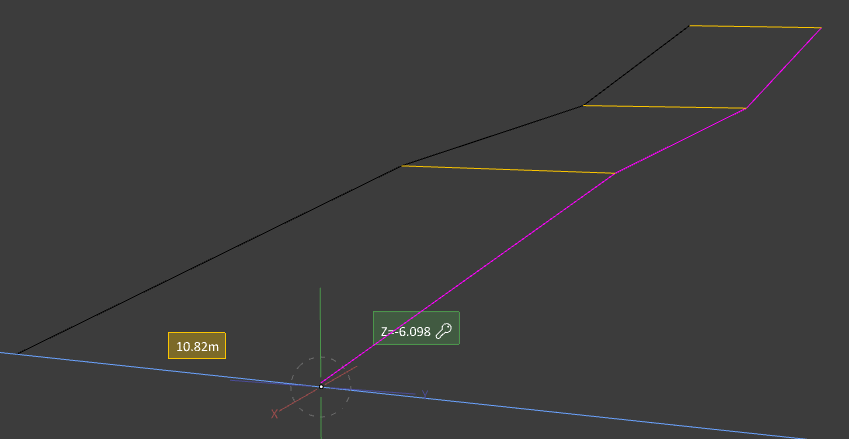
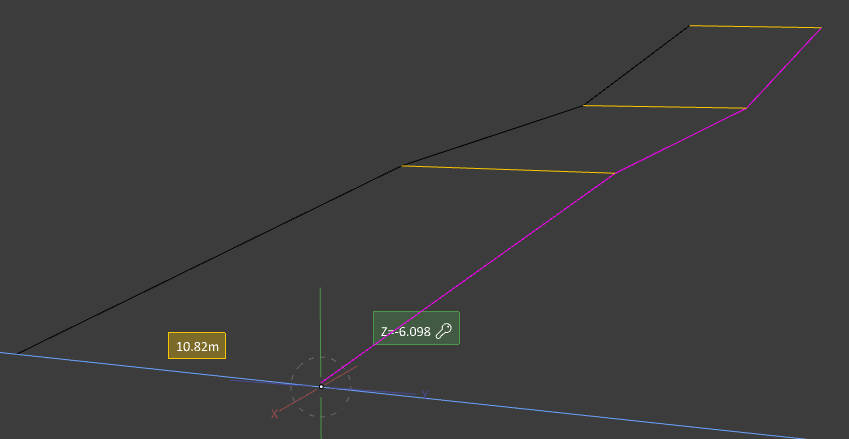
- Select one or more curves, or press [Enter] to select them all. Confirm the selection with [Enter].
- Click the offset point with the 3D cursor, or type the value. The value in angle brackets <…> recalls the last offset used; [Enter] reuses it.
- If Extrude is Yes: set the extrusion height with the 3D cursor or type it.
The options are:
OffsetType
Construction mode for the offset vertices. Perpendicular : the vertices are built perpendicular to each segment, which gives a true rectangle. Half-Angle: the vertices are built on the bisector of each angle of the curve, which keeps a constant width and contiguous polygons in bends.
CurveType
Outlines: only the outline polyline of the strip is created. Polygons: a closed polygon is created for each segment of the curve.
Extrude
Yes : the polygons are extruded into solids at the end of the command, after a height is entered.
Meshes
Only taken into account if Extrude is No. Yes : a planar mesh is created for each polygon.